
 Native Phrase Lab
 Willowbrook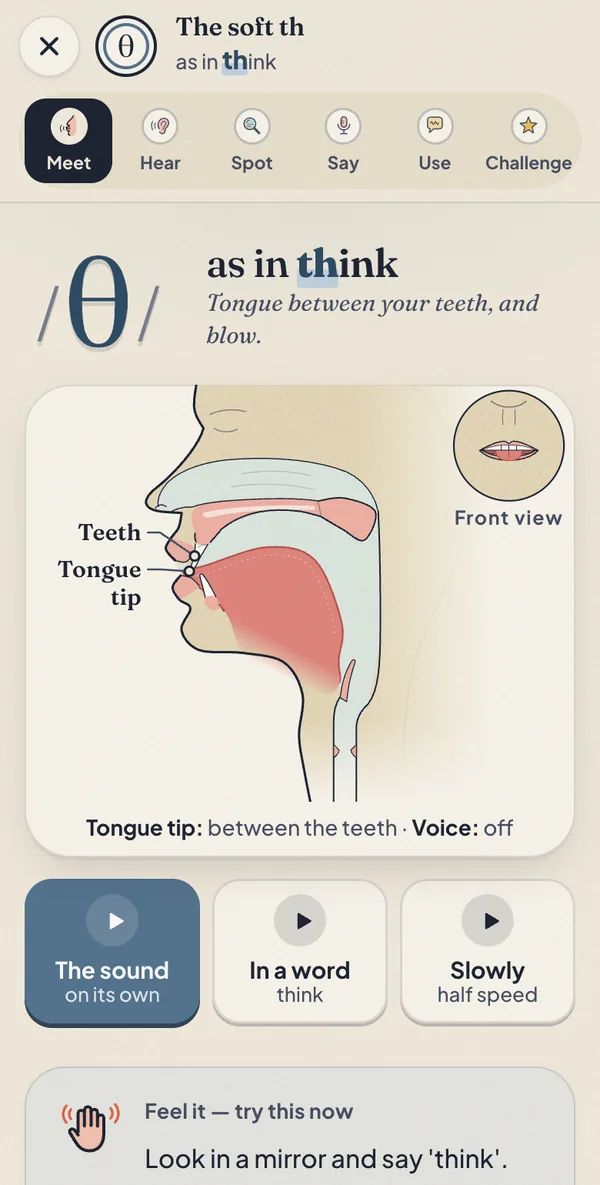
01 · Ask for help
Your bag is heavy. You ask someone nearby.
“I was wondering if you could help me carry this bag.”
What is the speaker doing?
My apps / Native Phrase Lab
New Sounds of English is now inside: all 44 sounds ↓My app for real English
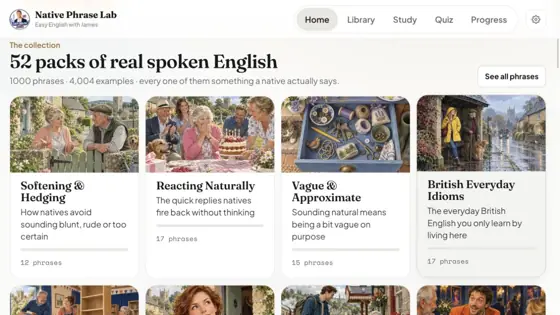
Native speakers use thousands of little phrases. I teach you 1,000 of the most useful, with real situations and every example in my voice. And now every sound of English too.
Excellent and easy to navigatemlukster · verified buyer
Inside every phrase
Here is one real phrase from the app, taken apart.
I was wondering if…
“I was wondering if you could help me carry this bag.”
Use this when you want to ask for something gently. It gives the other person room to say no.
I was wondering if you could / there was any chance of …
PoliteSpoken & writtenSafe with anyone
“I’m wondering if” is also correct. The past tense just makes the request feel softer.
At work: “I was wondering if we could meet on Thursday instead.”
On a train: “I was wondering if this seat was free.”
Free · no email needed
Read the situation. Hear me. Then check you understand.
01 · Ask for help
Your bag is heavy. You ask someone nearby.
“I was wondering if you could help me carry this bag.”
What is the speaker doing?
02 · Offer a cup of tea
You are making tea. A friend is in the kitchen.
“Fancy a cuppa? I’m putting the kettle on anyway.”
What is the speaker asking?
03 · Say thank you
A friend remembers something important for you.
“You remembered! You’re a star.”
What does “You’re a star” mean here?
In the full app, every phrase has at least four examples like these, each with its own situation.
You tried 3 phrases.
There are 997 more in the app, all in my voice, with help in your language. And all 44 sounds of English too.
Speak
In the app you can record yourself and listen back next to my voice. Try it here. Your recording stays on your device.
With phrases, you compare by ear. For feedback on single sounds, use Sounds of English, which is inside the app too. See it below ↓
“Fancy a cuppa?”
Press “Record me” and say the phrase.
New Included with Phrase Lab · no extra cost
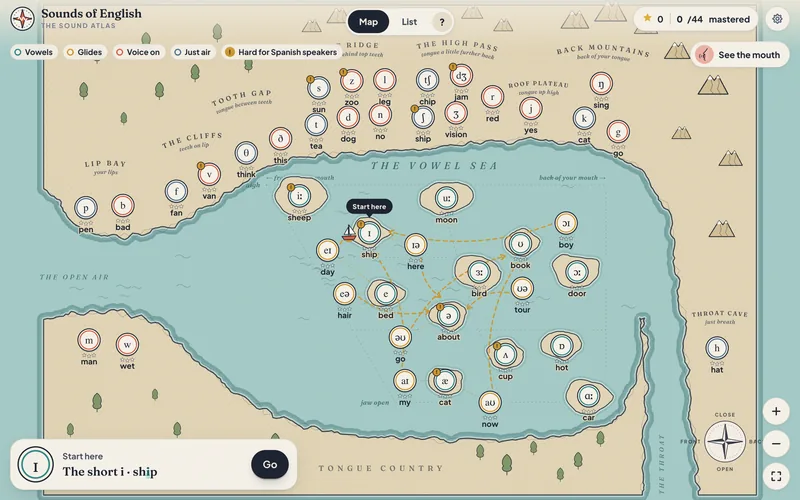
Phrase Lab now has two halves. The phrases teach you what to say. Sounds of English teaches you how to say it: all 44 sounds of British English, on a map of your mouth.
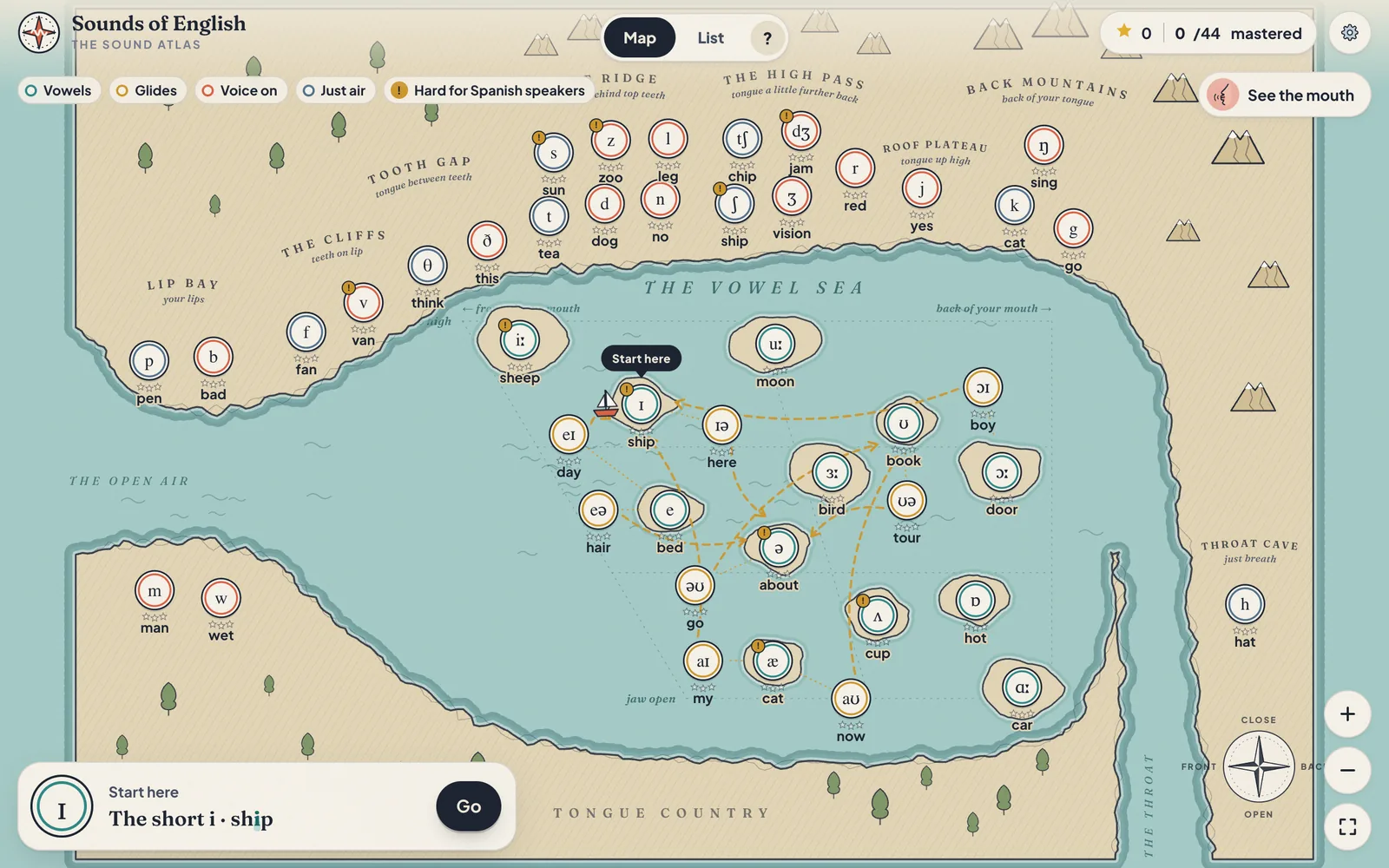
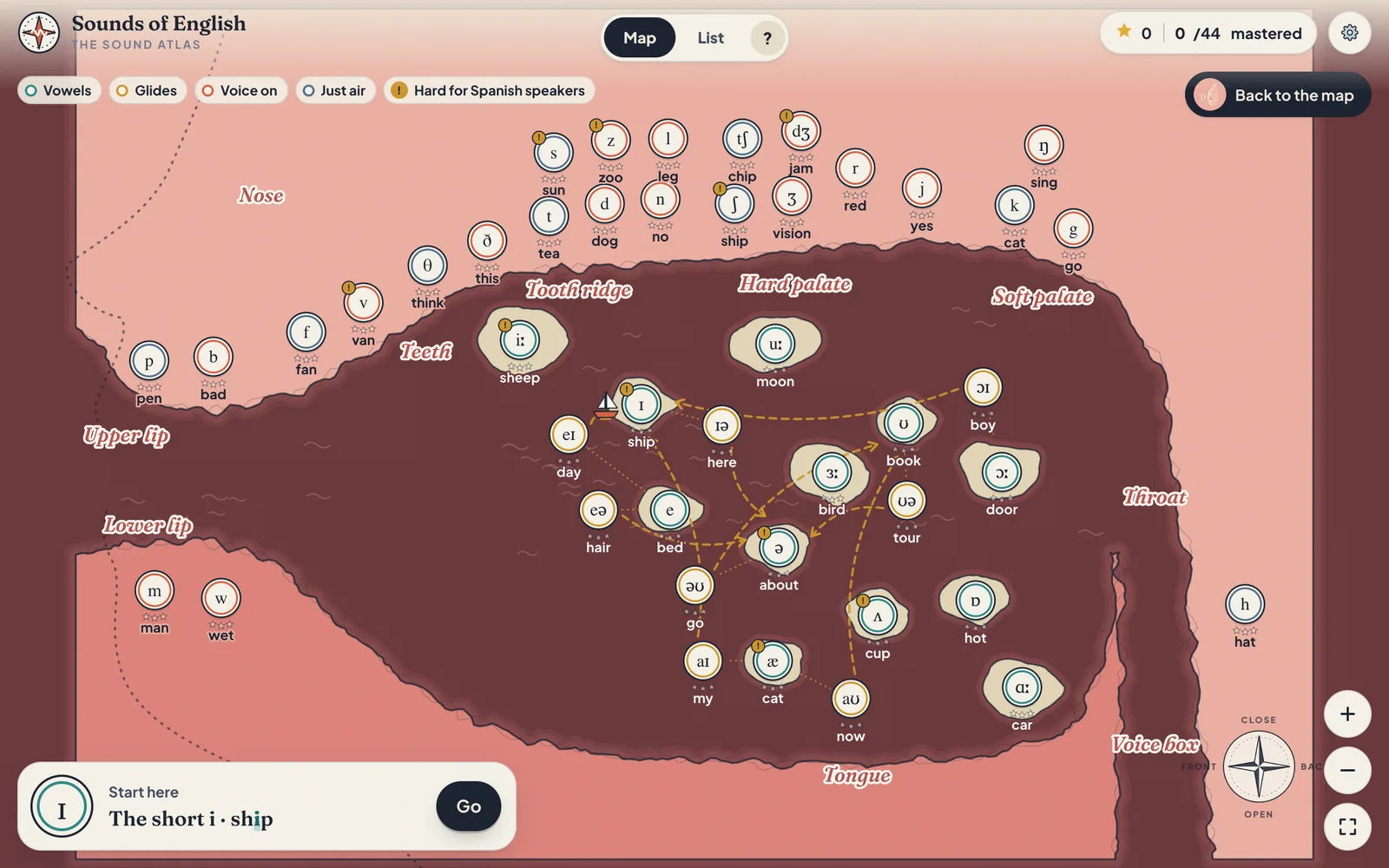
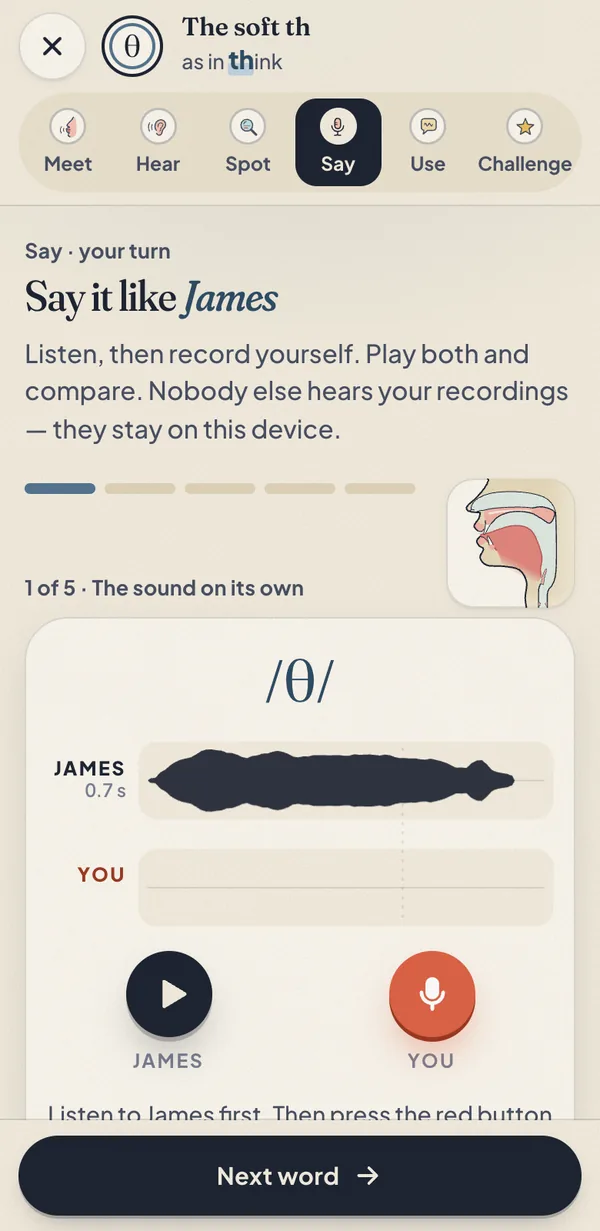
it’s a map… of your mouth!
See exactly how the sound is made. I say it for you.
Train your ear with word pairs, like ship and sheep.
Find the sound in tricky spellings.
Record yourself and compare with me. Get feedback on your recording.
Real sentences and a tongue twister, at three speeds.
Ten quick questions. Win three stars and a stamp in your passport.
Free for everyone
Try it now. No key, no email.
Four sounds are completely free, and you can meet and hear all 44. Choose one to start:
Already have Phrase Lab or All Access? It’s already yours. Open Sounds of English with the key you have.
Ten minutes a day
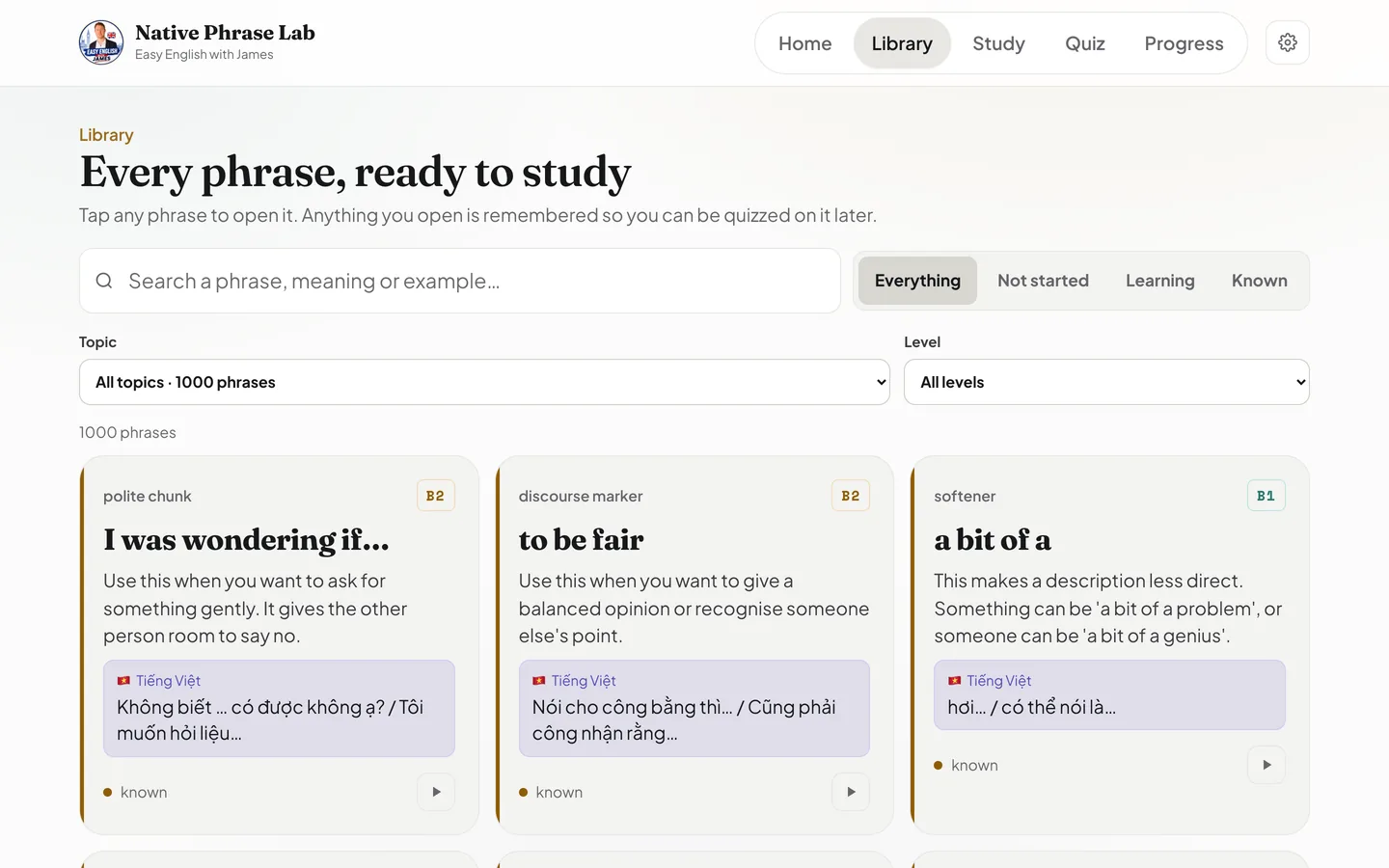
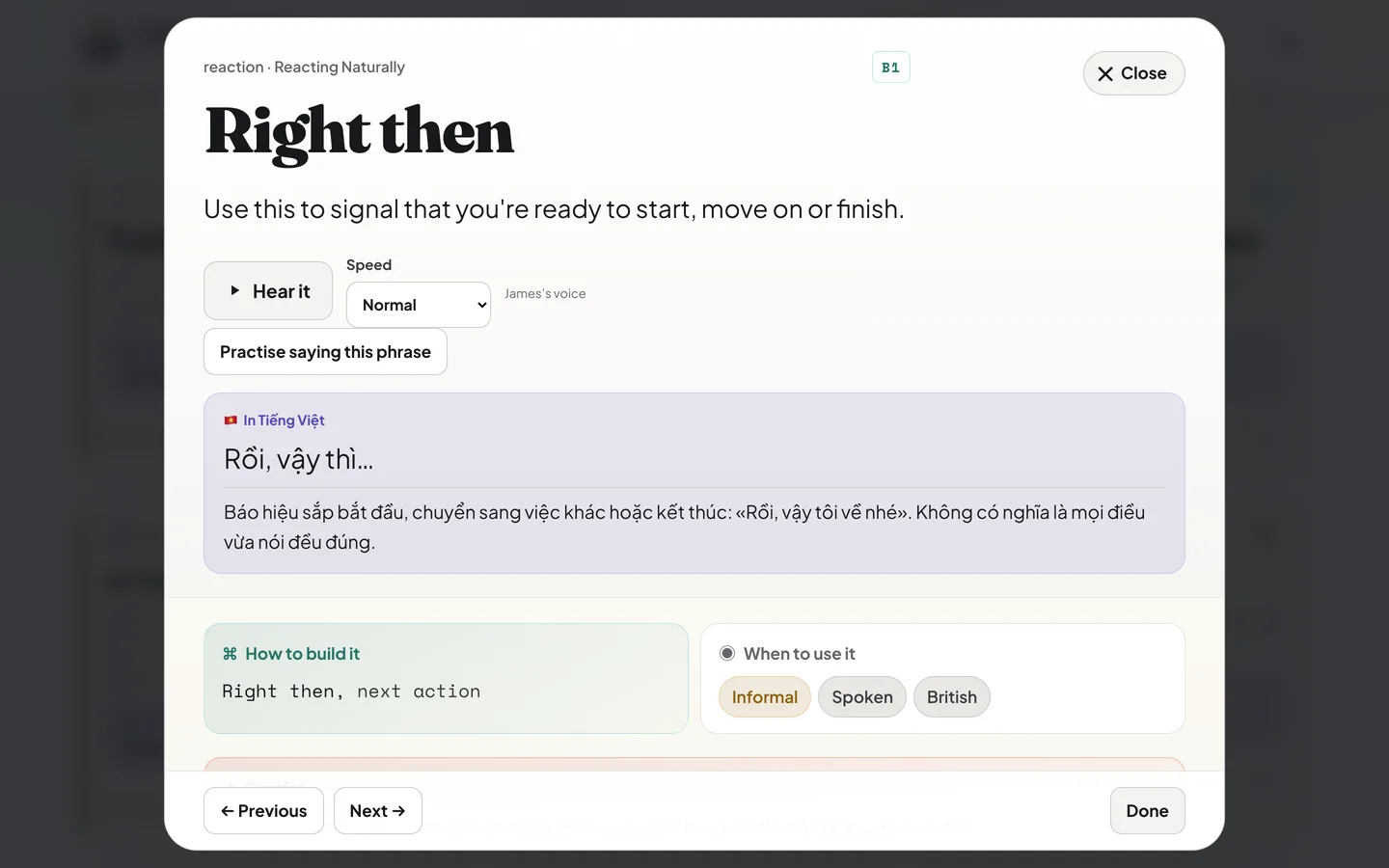
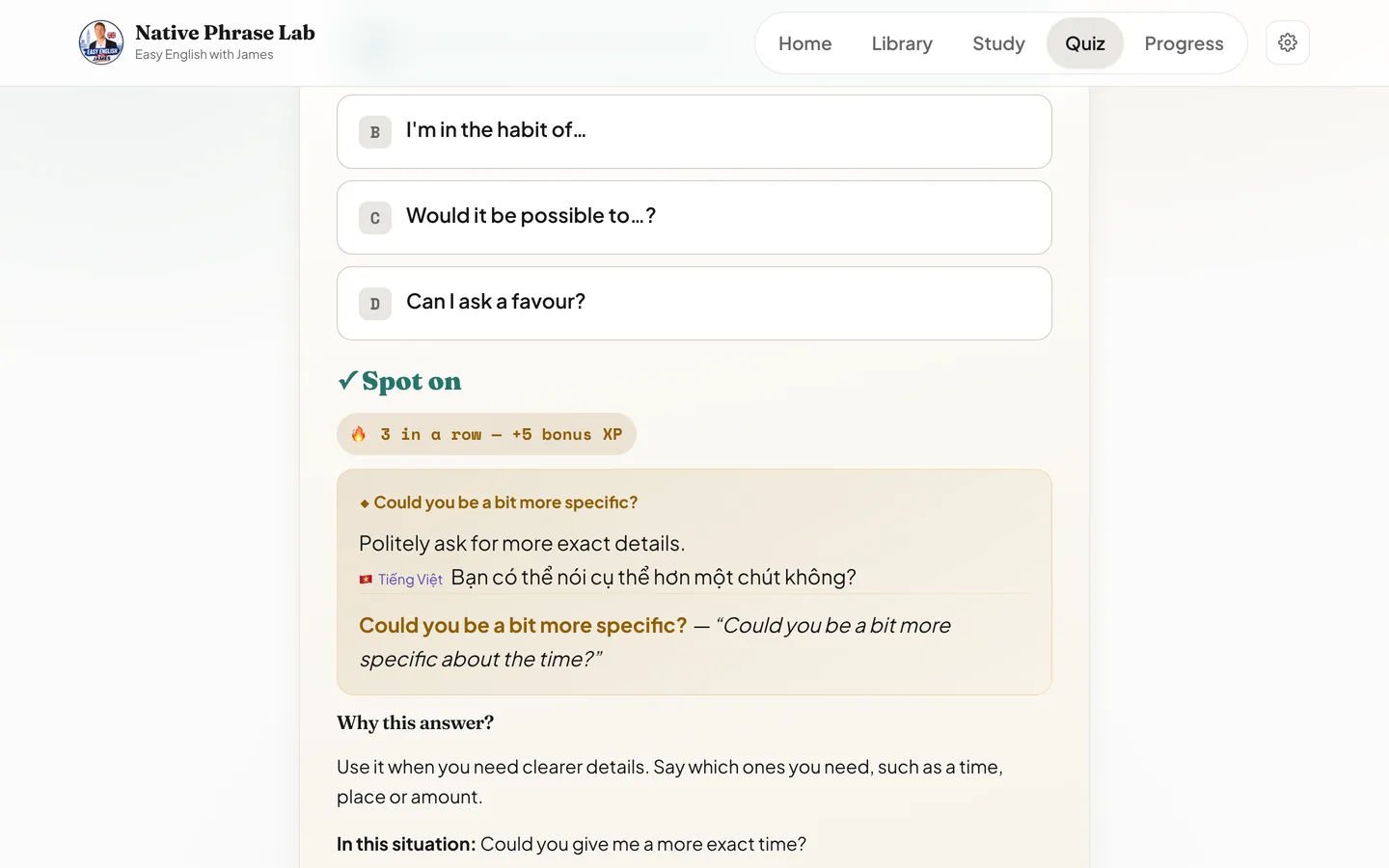
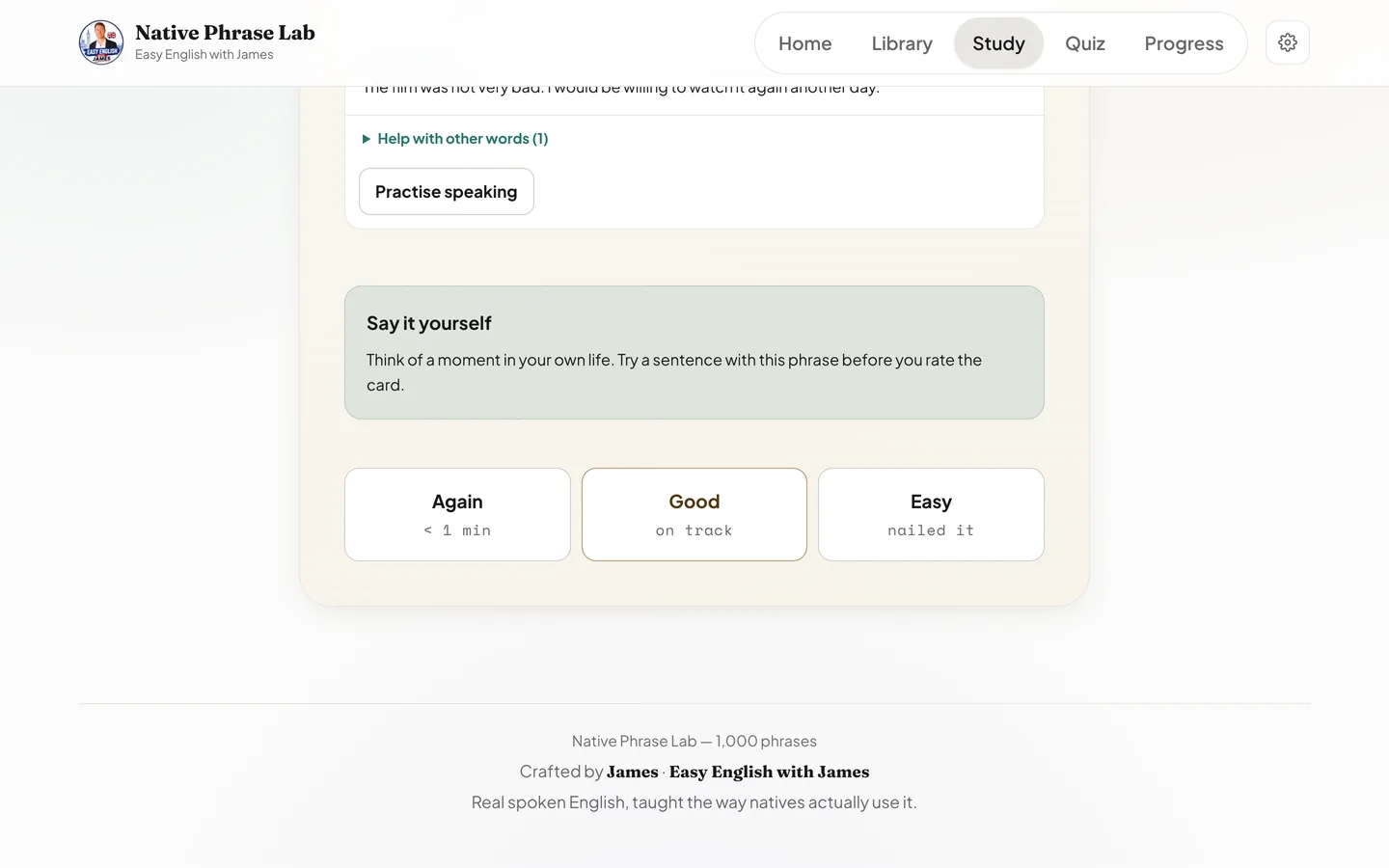
52 topics
From ordering at the pub to saying no politely at work.
Help in your language
Español · Português · Français · Deutsch · Italiano · Polski · Українська · Русский · Türkçe · العربية · فارسی · हिन्दी · Tiếng Việt · ไทย · Bahasa Indonesia · 中文 · 日本語 · 한국어 · Naija
All 1,000 phrases have help in every one of these languages, and all 1,000 are recorded in my voice.
Native Phrase Lab + Sounds of English
Your key arrives by email straight after you pay.
★★★★★
“Excellent and easy to navigate”

“I started with 650 phrases. Now there are 1,000, and every sound of English too. I keep adding more.”
JamesNo, you don’t pay extra. Sounds of English is part of Native Phrase Lab now. It teaches all 44 sounds of British English, on a map of your mouth, with six short steps for every sound. Your $29 includes it. If you already have Phrase Lab or All Access, it’s already yours: open it here with the key you have.
Yes, for single sounds. In Sounds of English the app checks your recording: the length, whether your voice is on or off, and how close the shape is to mine. In some browsers it can also test if the computer understands your word. It is a computer, not a teacher. If you want me to listen to you, that is Sound Check.
The phrases are for people who already know some English and want to understand everyday phrases. If you are a complete beginner, the English explanations may be difficult. Try the three free phrases to see. Sounds of English is for every level, beginners too. Try four sounds free.
Yes. All 1,000 phrases and all 4,004 examples are recorded in my voice. You can slow them down in the app.
Spanish, Portuguese, French, German, Italian, Polish, Ukrainian, Russian, Turkish, Arabic, Persian, Hindi, Vietnamese, Thai, Indonesian, Chinese, Japanese, Korean and Nigerian Pidgin. Every language covers all 1,000 phrases.
Gumroad emails you a key. Come back to this page, paste it below, and start. One key works on up to 5 of your own devices. Nothing to download.
No. You pay $29 once. Everything I add later is included. You need the internet to use it.
Yes, on your device. You can switch on sync to use it on your other devices too. Your voice recordings stay on your device. The one exception: if you use the “Can the computer understand you?” test in Sounds of English, your browser sends that short recording to its own speech service. Privacy.
No. Phrase Lab, with Sounds of English inside it, is included in All Access. Use your All Access key below.
Write to me and I will help. If it does not work and I cannot fix it, I will refund you. Refund policy.
Already bought it?
Paste your key to open the Lab. You only do this once on each device.